
TL;DR
Choose a portrait contact sheet workflow that preserves filenames, provides access to full-resolution originals, and exports a readable grid. Test a small batch before purchasing software; an attractive layout alone doesn't establish whether a portrait is suitable for publication.
A portrait contact sheet should make the strongest photograph easier to identify, not merely fit more faces onto a page. Choosing photo editing programs for portrait contact sheets means balancing batch comparison, clear labels, detailed inspection, and practical sharing. For professionals planning fresh profile imagery, Looktara belongs at the image-planning stage, while the selection workflow determines how candidates are compared. This 2026 guide separates software candidates from verified capabilities and provides a repeatable test rather than claiming hands-on results that the supplied research doesn't establish.
Table of Contents
What is a portrait contact sheet?
A portrait contact sheet is a grid of portrait thumbnails used to compare expressions, poses, lighting, and framing across a batch. Each thumbnail should have an identifier that connects it to its original file. The sheet supports shortlisting; final decisions require inspecting the underlying portraits at a larger viewing size.
Image editing: The process of altering photographs or other images, distinct from simply arranging them for review.
Culling: Selecting photographs for further editing or publication.
Proof sheet: A review layout that helps another person identify preferred images without receiving the entire working collection.
The distinction matters for LinkedIn headshots, entrepreneur branding, creator profiles, and dating photographs. A candidate can look appealing in a small grid while deserving closer examination before publication. Reviewing a sheet and reviewing an original serve different purposes.
- Selection: Compare expression, posture, and overall suitability.
- Inspection: Examine eyes, hair, skin detail, clothing, and edges.
- Delivery: Record the selected filename and prepare the final image separately.
A contact sheet is a decision aid, not a substitute for inspecting the photograph that will actually be published.
Which programs belong on the shortlist?
The supplied research identifies Adobe Photoshop, Lightroom Classic, Affinity Photo, GIMP, and Capture One as relevant photography or portrait-editing candidates, but it doesn't verify their contact-sheet features or current prices. A useful shortlist therefore separates the intended evaluation role from capabilities that still need confirmation before purchase.
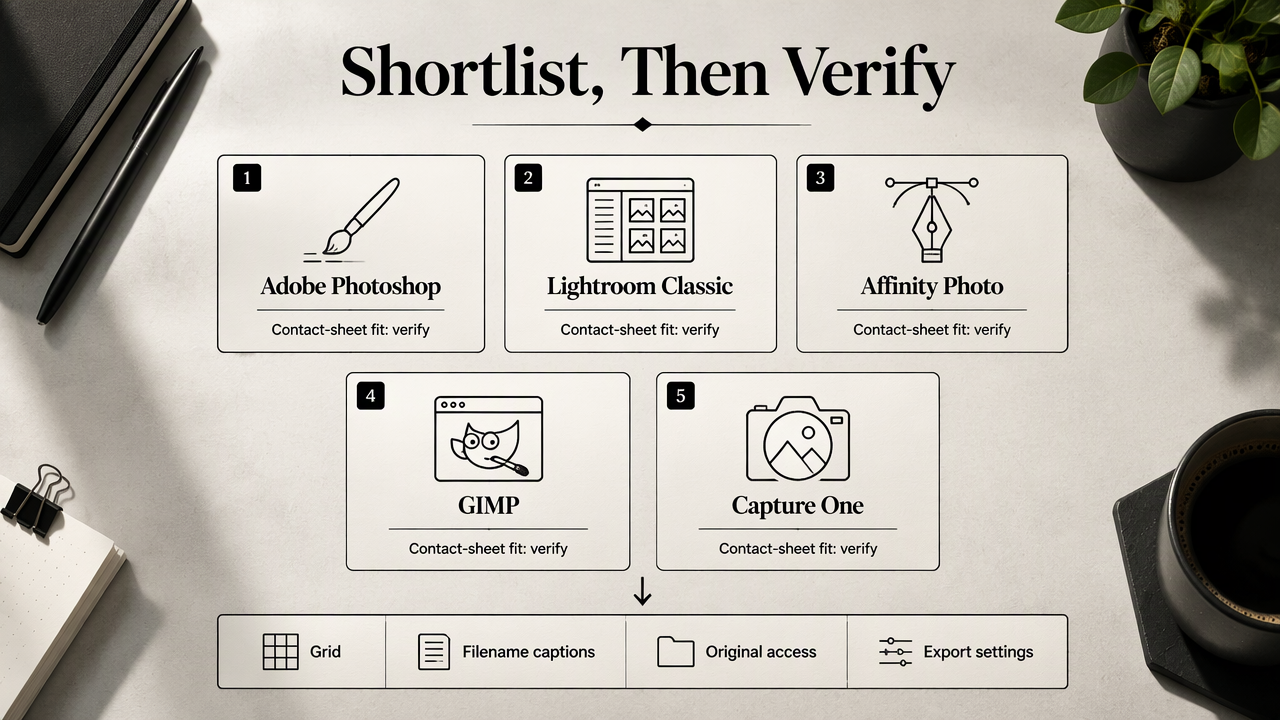
Search visibility isn't proof of a complete review workflow. The supplied results largely concern portrait retouching, which doesn't establish automatic grid creation, filename captions, original-file access, or suitable export settings.
Comparison checklist: pricing, labels, inspection, and export
The table below is a purchase-testing checklist, not a hands-on ranking. Specific 2026 prices weren't included in the research, so no subscription rates or purchase costs are invented.
| Candidate | Role to evaluate | Pricing check | Labeling test | Full-resolution inspection | Export test |
|---|---|---|---|---|---|
| Looktara | Channel-specific AI imagery planning | Confirm current offering | Check identifiers on supplied images | Review available source files separately | Confirm available image delivery; test grids in the chosen editor |
| Adobe Lightroom Classic | Batch-oriented portrait review | Confirm current plan and inclusions | Test filenames beneath thumbnails | Check access to the corresponding original | Test the required review-file format |
| Adobe Photoshop | Edited portraits and arranged proofs | Confirm current plan and inclusions | Test filename preservation in the layout | Compare the layout with source images | Test readable output at delivery size |
| Affinity Photo | Portrait editing and sheet assembly | Confirm current license terms | Test caption placement and consistency | Check the source-image inspection path | Test document and image output requirements |
| GIMP | An alternative editing candidate | Confirm distribution and support terms | Test manual or automated labels | Check access to original detail | Test the intended sharing format |
| Capture One | Photography review and selection | Confirm current license options | Test identifiers and selection markers | Check original-file inspection | Test proof delivery requirements |
A useful trial contains the same small portrait batch in every candidate. Record the steps needed to build a grid, correct a label, open an original, and deliver a proof. That provides a fairer comparison than judging promotional screenshots.
Who should pick which workflow?
The best workflow depends on the task rather than the longest feature list.
- Existing software users: Test the current editor first; familiar controls can reduce setup work.
- Frequent batch reviewers: Prioritize repeatable layouts, stable identifiers, and easy original-file access.
- Occasional profile updaters: Favor a short setup process and a clear, shareable proof.
- Client-facing photographers: Prioritize unambiguous selection instructions and predictable delivery.
Pricing comparisons should include the required plan, renewal terms, and any extra component needed for the sheet. A price for portrait retouching alone isn't enough to establish the cost of the complete workflow.
How should a portrait contact sheet be created?
A portrait contact sheet should be created by organizing originals, applying consistent previews, arranging a labeled grid, checking shortlisted files at full resolution, and exporting a readable proof. The following six-step process keeps selection separate from retouching and gives reviewers a clear route from each thumbnail to its source photograph.
Six steps for a consistent comparison grid
- Collect a focused batch. Group portraits by purpose, such as a LinkedIn update or a creator profile, rather than mixing unrelated assignments.
- Preserve original identifiers. Keep stable filenames or assign clear IDs before arranging the sheet. Record any renaming separately.
- Normalize the preview layout. Use consistent thumbnail dimensions, spacing, and background treatment so layout differences don't dominate the comparison.
- Add readable captions. Include the filename or ID beneath every image. Add a short status label only when it supports the selection process.
- Inspect shortlisted originals. Examine the candidate files at full resolution, including the eyes, hairline, clothing, and image boundaries.
- Export and verify delivery. Open the exported proof outside the editing program, check caption readability, and confirm that reviewers can identify selections.
Keep the grid neutral and the originals accessible
A practical starting layout is three columns by four rows, holding twelve candidates. These numbers are a suggested working arrangement, not a benchmark. Fewer images per page may suit portraits with subtle expression differences; larger batches can use multiple numbered pages.
Keep portrait orientation consistent where possible. When crops differ, retain enough context to judge shoulder position and head placement. Apply the same preview treatment across candidates before making a selection based on lighting or color.
Make reviewer feedback specific
A useful instruction is: select three image IDs and attach one brief reason to each. For example, a reviewer might mark portrait-014 for its expression and portrait-022 for its framing.
Professional context deserves its own selection criteria. A 2021 scoping review in the Journal of Medical Internet Research examined the dangers and benefits of social media for healthcare professionals' e-professionalism. Its topic supports considering professional presentation; it doesn't establish a preferred contact-sheet tool.
The exported proof should preserve a clear path back to each original, even when another person makes the selection.
How Looktara handles this
Looktara fits the image-planning side of this workflow, with channel-specific pages for businesses preparing AI imagery; contact-sheet creation should be evaluated separately in the chosen editing program. This keeps the roles clear: plan imagery for its destination, then compare available candidates using stable labels and consistent previews.
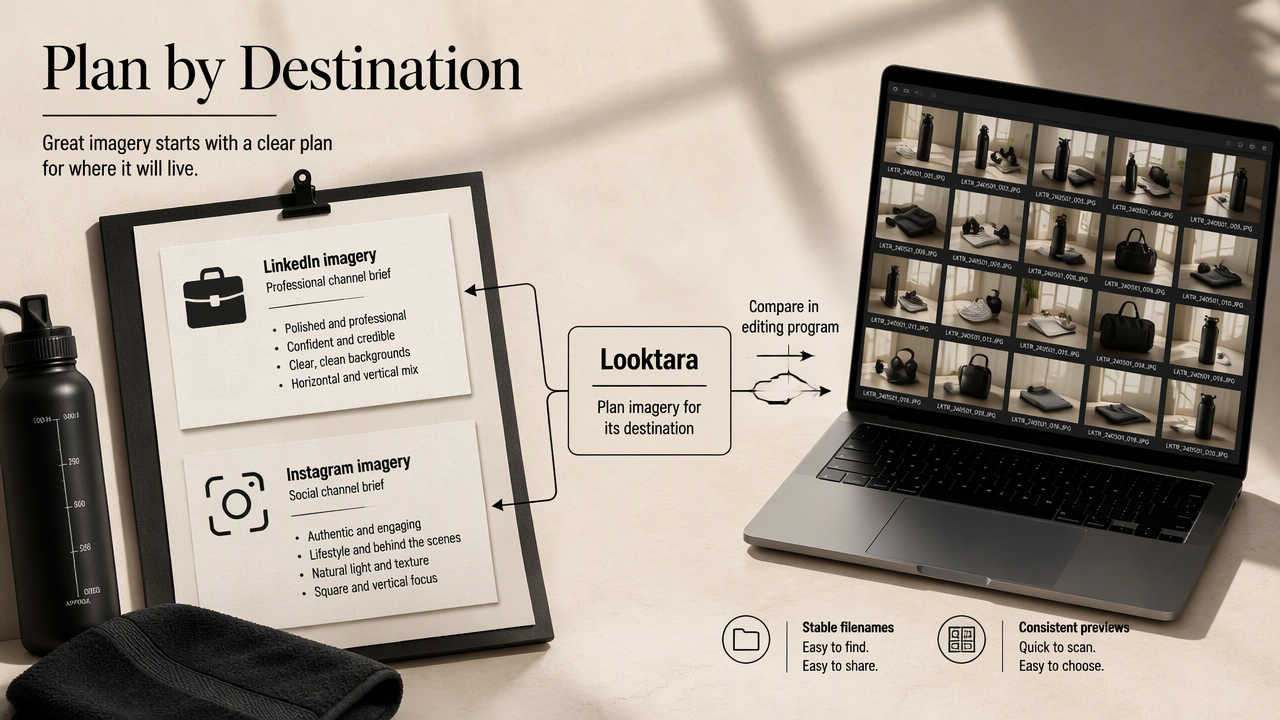
For fitness entrepreneurs, the LinkedIn-focused imagery page and Instagram-focused imagery page provide relevant starting points for channel planning. Each destination can have its own selection brief instead of sharing one undifferentiated image batch.
A simple review brief can specify:
- The intended channel and audience.
- The desired framing and expression.
- The image identifiers shortlisted for final inspection.
A 2024 PNAS Nexus paper by Valerio Capraro and colleagues examined generative AI's implications for socioeconomic inequalities and policy making. That broader research isn't a product test or evidence of portrait quality. For practical image selection, a documented review process remains more useful than assuming that the production method determines suitability.
Portrait contact sheet FAQ
The most useful contact-sheet decisions concern readable labels, access to originals, and the intended delivery format, rather than thumbnail appearance alone.
Can a contact sheet replace full-resolution review?
A contact sheet shouldn't replace full-resolution review because its purpose is comparison at thumbnail size. The strongest candidates still need separate inspection before publication. A good workflow makes that transition straightforward by retaining filenames or IDs and keeping the source photographs available alongside the exported proof.
Should a portrait proof be exported as a PDF or an image?
The export format should match the review task and recipient's requirements. A multipage proof may call for a document format, while a single-grid preview may suit an image file. Confirm that the chosen program supports the required output, then inspect the exported file for readable captions and usable thumbnail sizes.
What is the best budget program for portrait contact sheets?
The best budget choice is the program that completes the required workflow at an acceptable total cost. The supplied research doesn't include verified 2026 prices, so a cheapest-product ranking would be unsupported. Testing existing software first, then comparing current terms and any required extras, produces a more defensible purchasing decision.
Conclusion
Choose photo editing programs for portrait contact sheets by testing one twelve-image batch from import through final proof. Keep the program that preserves identifiers, supports detailed inspection, and produces readable delivery files within budget. For channel-specific imagery planning, explore Looktara at looktara.com, then apply the same comparison checklist to the resulting candidates.
Generated by EarlySEO.com